How Much Does a 3D Product Configurator Cost?
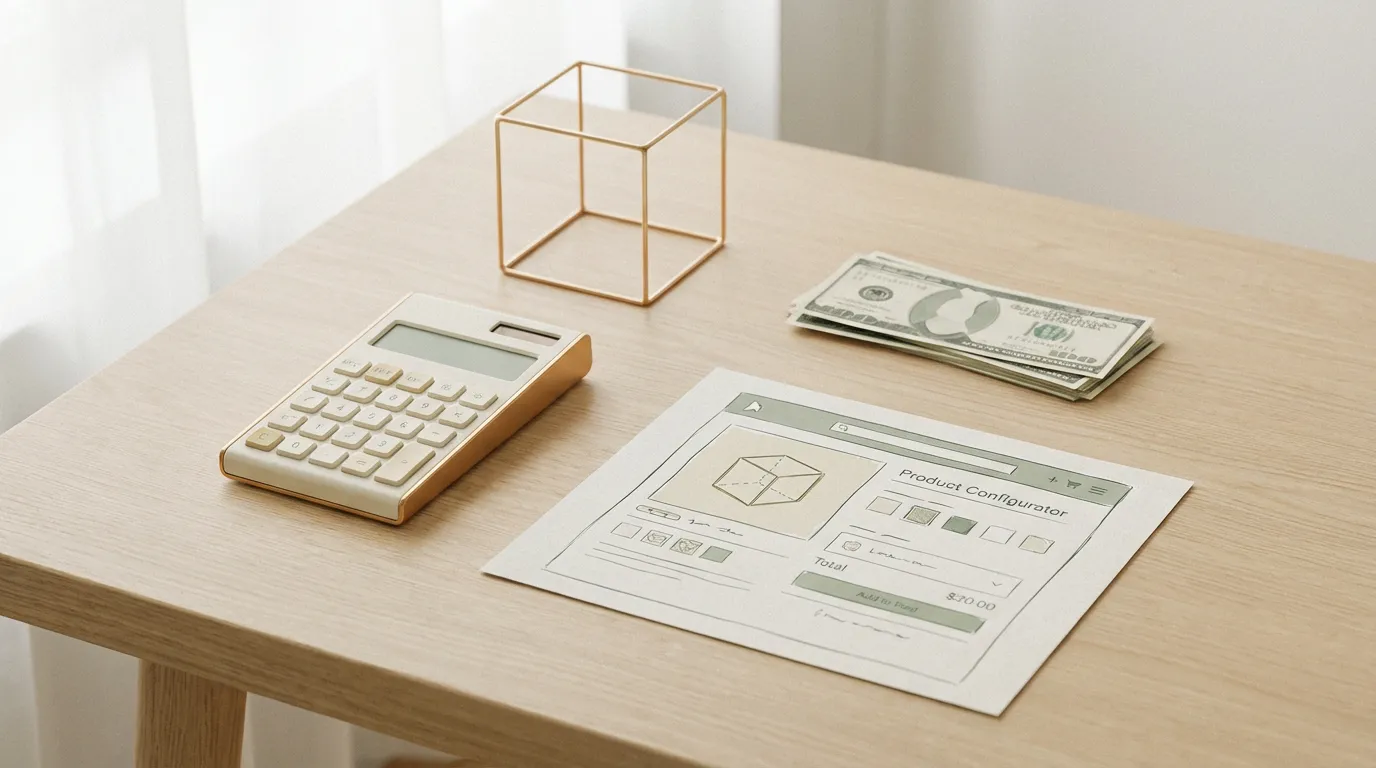
Here is the short answer. At ComeFigure, a custom 3D product configurator starts at $4,999 for a single product with a moderate number of options, delivered as a fixed quote. Across the wider market, custom builds from agencies commonly land between $15,000 and $50,000, and enterprise SaaS configurator platforms charge subscriptions running from a few hundred dollars to low thousands per month. To be clear about which is which: the $4,999 figure is our published starting price, and the agency and SaaS ranges are market observations from published pricing and typical project scopes, not our rates.
That spread is wide because "configurator" covers everything from a color swap on a single product to a quoting tool wired into an ERP. The rest of this guide breaks down what moves the price, what the SaaS-versus-custom math looks like over three years, and the ongoing costs people tend to forget.
(Need to catch up on the ROI numbers first? See Do 3D Configurators Actually Boost Sales?)
Realistic pricing
Custom 3D product configurators start around $4,999 for a single product with a moderate number of options. A typical mid-range build (multiple products, several material or finish options, a clean store integration) lands in the $10,000 to $25,000 range. Enterprise builds with hundreds of SKUs and full ERP integration are a different conversation and scale from there.
It is worth saying out loud, because almost nobody in this market does: most agencies and platforms will not name a starting price until you have sat through a sales call. We publish ours because the range question is the first thing every buyer asks, and hiding it wastes everyone's time. If a vendor will not give you even a floor figure, treat that as a signal about how the rest of the project will go.
The biggest cost drivers are the number of products modeled, how many visible options and materials each one has, and how deeply the configurator needs to integrate with your store or sales process. The next section walks through each driver in detail. If you first want the bigger picture of what a configurator is and does, our 3D product configurator overview covers that. To get a figure for your specific case, see the pricing page or ask us directly.
What drives the price of a custom build
Two configurators can look identical in a demo video and differ by $20,000 in build cost. The difference is almost never the visual polish. It is the stuff underneath. These are the five factors that actually move a quote.
Option count and rule complexity
Five colors on one product is a small job. Five colors, four sizes, three leg styles, and a rule that says certain legs only work with certain frames is a much bigger one. Every option has to be modeled or textured, and every rule about which combinations are valid has to be defined, built, and tested. Rule complexity grows faster than option count, because options interact. When you are scoping a project, count your rules, not just your dropdowns.
Your 3D asset situation
This is often the single largest line item, and it depends entirely on what you already have. There are three starting points. If you have CAD files from manufacturing, those can be converted and optimized for the web, which is the cheapest path. If you only have good photos, a 3D artist rebuilds the geometry and materials by reference, which takes meaningfully more hours per product. If you have neither, everything is modeled from scratch, which costs the most.
The per-asset reality is simple: each product gets modeled, textured, and optimized individually, so ten products is roughly ten times the modeling work of one. This is why "can we add the rest of the catalog later?" is such a common and sensible question. Starting with one hero product and expanding is usually the right call.
Integrations
A standalone configurator that lives at its own link is the simplest scope. From there, each connection adds work: generating a quote or spec sheet as a PDF, pushing configurations into your CRM so sales can follow up, or wiring live pricing into a cart so the configured product checks out directly. None of these are exotic, but each one touches another system, and another system means more edge cases to handle.
Training scenario logic
Training configurators are a different animal from sales configurators. Instead of "pick a color," the logic is "walk through this procedure, in this order, and respond when the user does it wrong." Steps, correct and incorrect states, scoring, and progress tracking all add logic on top of the 3D scene. If you are exploring this use, our training tools page shows what these builds look like in practice.
Review rounds
The quiet cost driver. Every round of feedback on materials, lighting, and behavior takes real hours to process. A fixed quote like ours includes a defined number of revision rounds, which protects both sides: you know the price will not creep, and the project does not stall in endless polish. If a vendor bills hourly with no cap on revisions, ask how past projects ended up against their estimates.
Custom build vs. SaaS subscription: the 3-year math
Most of the configurator market is SaaS platforms: you rent a template-based configurator for a monthly fee. The monthly number looks small next to a project quote, which is exactly why it is worth doing the math over a realistic ownership period of three years.
Mid-tier SaaS configurator plans publicly run around $550 to $1,050 per month. VividWorks, one of the better-known furniture configurator platforms, publishes plans at $547 to $1,047 per month. Over three years, that subscription adds up to roughly $19,000 to $38,000, and the meter keeps running after that. A custom build is a one-time cost, from $4,999 at ComeFigure, plus ordinary hosting.
| Cost over 3 years | Custom build | Mid-tier SaaS subscription |
|---|---|---|
| Upfront | One fixed quote, from $4,999 | Usually low or none |
| Recurring | Ordinary web hosting | Roughly $550 to $1,050 per month at published mid tiers |
| 3-year total | From $4,999 plus hosting | Roughly $19,000 to $38,000 |
| After year 3 | You own the code, no license | Subscription continues, or the configurator goes away |
The honest caveat: SaaS wins in some situations. If your product is standard, fits an existing template, and you mainly need simple color or material swaps, a SaaS platform can have you live in days instead of weeks, with no project to manage. That speed is real value, especially if you are testing whether configuration matters to your buyers at all. The math tips toward custom when your product logic does not fit a template, when the subscription would outlast its usefulness, or when owning the code matters. We go deeper on this comparison, including how we build and what handover looks like, on our 3D configurator development page.
Timeline
Expect four to six weeks from kickoff to launch for a typical custom build. The first stretch goes to 3D modeling and materials, the middle to building the option logic and interface, and the last to integration, testing across devices, and your review rounds.
The biggest variable is the 3D modeling phase, because the models need to look right. If your product has complex geometry or dozens of material options, that takes longer. Rushing this part shows in the final result, and it is the part your customers will stare at the longest.
Ongoing costs people forget
The project quote is not the whole story. None of the ongoing costs are large for a custom build, but three of them surprise people, so here they are upfront.
Hosting
A well-built configurator is static files: the page, the code, and the 3D assets. It hosts the same way any marketing site does, on ordinary static or asset hosting, with no special servers or per-seat fees. This is one of the practical differences from SaaS, where hosting is bundled into the subscription you keep paying.
Model updates when the product line changes
This is the one people genuinely forget. Products change: new fabrics each season, a redesigned frame, a discontinued finish. Each change means updating models, textures, or option logic. Some businesses handle small updates in-house once they have the source files, others send a batch of changes once or twice a year, and some keep the development team on a light retainer. None of these are expensive relative to the build, but budget for them, because a configurator showing last year's catalog quietly stops earning its keep.
Who owns what at handover
Read this part of any contract before signing. With our builds, handover means the full source code and the 3D assets are yours. You can host them anywhere, hand them to any developer, and never owe us another invoice. With SaaS, you are renting: cancel the subscription and the configurator, and often the 3D models made for it, go away. Neither model is wrong, but they are very different things to be paying for, and the difference only becomes visible at year two or three.
When a configurator probably isn't worth it
If your product has fewer than five or six options and you can photograph them all, a 3D product configurator might be overkill.
The same goes if your average order value is low enough that the math just doesn't work. A cheap impulse-buy product probably can't justify the investment, even with better conversion. And if your customers don't actually care about customization, if they just want to pick a size and a color and move on, a solid product page with good photos might serve you better.
Template vs. custom: which one do you need?
There are template-based configurator platforms out there, and for basic use cases, they work fine. If you need simple color swaps on a relatively standard product, a template can get you up and running fast and cheap.
But templates have limits. If your product has complex configuration logic (certain options only work with certain other options), if you need materials that actually look like your real materials, or if you want the configurator to feel like a natural part of your site rather than an embedded widget, you'll hit those limits quickly.
Custom configurators cost more and take longer, but they're built around your actual product, your actual rules, and your actual store. The finished configurator is yours. No monthly licensing fees, no platform lock-in. Learn more about custom vs. template options.
The right choice depends on your product complexity and your growth plans. A template might be a smart way to test the concept. But if you already know your product is complex and this is a core part of your sales experience, custom is usually the better investment.
Frequently asked questions
What does a 3D configurator cost per month?
If you rent one from a SaaS platform, published mid-tier pricing runs roughly $550 to $1,050 per month. VividWorks, for example, publishes plans at $547 to $1,047 per month. A custom build has no monthly license fee. After the one-time project cost, from $4,999 at ComeFigure, the only recurring cost is ordinary web hosting, the same class of expense as hosting any marketing site.
How much does a single 3D product model cost?
It depends on the starting point. Converting an existing CAD file into a web-ready model is the cheapest path. Rebuilding a product from photos takes more hours, and modeling from scratch with no reference takes the most. At ComeFigure, modeling is included in the fixed project quote rather than billed per asset, so you know the full cost before any work starts.
Is a custom configurator cheaper than SaaS long term?
Usually, yes. Mid-tier SaaS subscriptions at published rates add up to roughly $19,000 to $38,000 over three years, while a custom build is a one-time cost from $4,999 plus ordinary hosting. SaaS can still be the better deal if your product is simple, fits a template, and you need to be live within days.
What's included in ComeFigure's $4,999 starting price?
The starting price covers a single product with a moderate number of options: the 3D modeling, the materials, the option logic, and a browser-based configurator that works on phones and desktops without plugins. You get a fixed quote before work starts, and the full source code is handed over at the end, so you own the result. More products, deeper integrations, or training scenario logic move the price up from there.
Still not sure if a configurator is the right move? We put together a simple readiness checklist in Does Your Online Store Need a 3D Configurator?

Want a Real Quote for Your Product?
Tell us what you sell and we'll send a clear estimate within 24 hours.