Does Your Online Store Need a 3D Configurator?
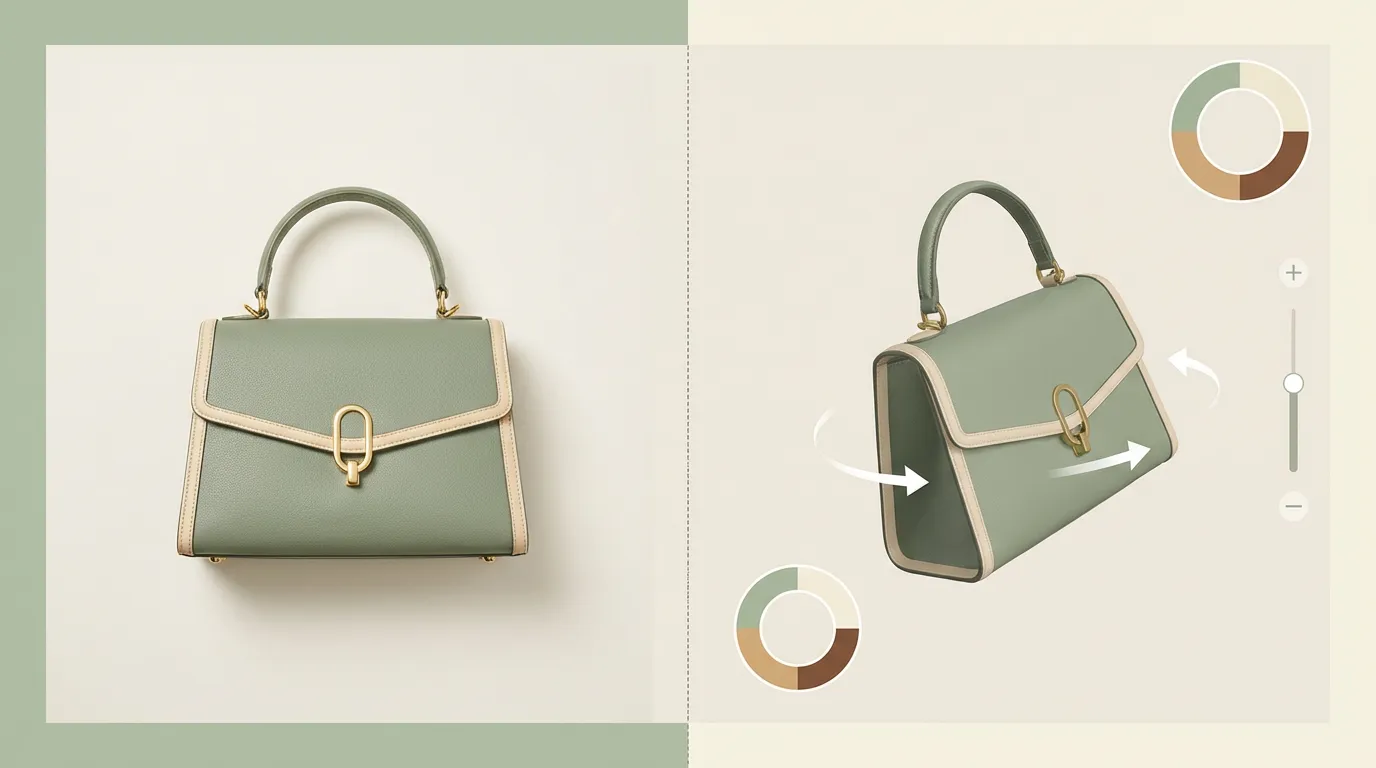
You've read about what 3D configurators do, seen the sales data, and looked at the costs. Now the real question: is this the right move for your store specifically? Not every business needs one, and a configurator that doesn't fit your product can be an expensive distraction. Here's how to figure it out.
When a configurator pays for itself
Configurators earn their cost in a few specific situations. If your business matches one or more of these, the case is usually straightforward.
Your product has real options
Not three colors. Combinations: materials times sizes times modules times finishes. Once the option count climbs past what photography can cover, every product photo you don't have is a question the customer can't answer. This is where the strongest published results come from. DFS, the UK furniture retailer, reported a 112% increase in conversion rate among shoppers who used its 3D visualization tool, and sofas are exactly this kind of product: fabrics, configurations, leg styles, sizes.
Returns are eating your margin
Returns happen when the product that arrives doesn't match the one the customer imagined. Letting people inspect the exact configuration before buying closes that gap. Home Depot reported 35% fewer product returns after adding 360-degree and 3D product photography, and that was richer imagery alone, not even full configuration. If your return reasons include "didn't look like the picture," you have a visualization problem, and visualization problems are fixable.
Your product is too big, heavy, or expensive to demo
Nobody ships a hospital bed, a modular kitchen, or an industrial machine to a sales meeting. When the product can't come to the customer, a 3D model is the next best thing to standing in front of it. This applies to showrooms too: a configurator lets a small showroom display an effectively unlimited catalog.
Quoting takes too long
If every customized order triggers a back-and-forth of emails, sketches, and revised quotes, a configurator with live pricing collapses that loop into one session. The customer configures, the price updates, and what lands in your inbox is a complete spec instead of a vague request.
When you don't need one
Plenty of stores don't need this, and a builder who tells you otherwise is selling, not advising. Skip the configurator if:
- Your products have few options. Two colors and one size is a photo gallery, not a configuration problem. A swatch picker with good photography does the same job for a fraction of the cost.
- Your products are cheap. On a $40 item, even a healthy conversion lift takes a very long time to pay back a custom build. The math starts working when order values are in the hundreds or thousands.
- Your photography already converts. If customers buy confidently from your current pages, and your return rate is low, a configurator solves a problem you don't have. Don't fix what isn't broken because a statistic impressed you.
- Your catalog changes constantly. 3D models are an asset you build and maintain. If your products turn over every season, the modeling work never stops paying rent. Fast-fashion economics and 3D asset pipelines don't mix well.
There's no shame in any of these. The whole point of a decision framework is that "no" is a valid output.
Sales team vs store: where 3D helps first
Here's a reframe that most articles on this topic miss: the question isn't only "should this go on my website?" For many companies, the first configurator that pays for itself isn't a public store widget at all. It's a tool in the hands of the sales team.
The economics are different. A store widget has to convert anonymous traffic, so its value depends on your visitor volume and how many of those visitors were persuadable anyway. A sales tool supports every deal your reps run, starting with the first meeting. One tool, used in every conversation, against order values that are usually much higher than a typical web order.
It also changes what the meeting is. Instead of a PDF and a promise, the rep rotates the actual product, swaps the options the customer asks about, and answers "what would it look like with..." on the spot. Fewer follow-up meetings, fewer misunderstandings in the spec, and a customer who has already seen what they're signing for.
If your product is sold through reps, dealers, distributors, or trade shows, start there. The store version can come later, often built on the same 3D assets, which is exactly how we approach 3D configurator development: build the model library once, deploy it wherever the selling actually happens.
Features that actually matter
If you start looking into configurators, you'll get pitched on a long list of features. Here's what actually moves the needle.
Must-haves
- Fast loading. If it takes more than a couple of seconds to render, you'll lose people before they even start. Good configurators use compressed models, progressive loading, and lazy material loading to keep things snappy.
- Mobile performance. Most of your traffic is on phones. The configurator needs touch controls that feel natural, pinch to zoom, swipe to rotate, and it needs to run smoothly on mid-range hardware, not just the latest flagship.
- Realistic materials. The whole point is showing people what they're getting. If the leather looks like plastic or the wood grain is blurry, you're actually hurting trust instead of building it.
- Live pricing. When someone adds a premium material or an extra module, the price should update immediately. No one wants to configure their dream product and then find out the cost at the end.
- Store integration. The configured product needs to go straight to the cart with the right SKU, the right price, and the right options. If the customer has to re-enter their choices at checkout, you've lost the advantage.
Nice-to-haves
- AR placement. Letting people see the product in their actual room through their phone camera is powerful for furniture and home improvement. It's becoming more accessible through WebXR, which works right in the browser without an app.
- Shareable configurations. A unique URL for each configuration so customers can send it to a partner or come back to it later. Simple feature, surprisingly effective at reducing abandoned carts.
- Analytics. Knowing which colors, materials, and options people actually pick helps you make better inventory and product decisions. Good configurators track this automatically.
What's coming next
3D configurators are getting faster and more accessible. WebGPU is bringing near-native rendering performance to the browser, making complex product visualizations smoother on every device. AR try-before-you-buy is becoming standard through WebXR, letting customers place configured products in their actual space without downloading an app. And smart recommendations are showing up too, where the configurator suggests popular configurations or complementary products based on what other shoppers chose.
A simple way to decide
Strip everything above down to four questions:
- Does your product have meaningful options? Not just colors, but materials, sizes, configurations, or components that change how the product looks and functions. The more combinations, the stronger the case.
- Are you dealing with returns, support tickets, or abandoned carts related to product uncertainty? If customers are returning things because "it didn't look like I expected," that's a clear signal.
- Is your average order value high enough to justify the investment? For products over a few hundred dollars, the math usually works. Below that, you need high volume to make it pencil out.
- Where does the selling actually happen? If it's mostly meetings, demos, and dealer conversations, a sales-team tool likely comes first. If it's anonymous web traffic at scale, the store widget makes more sense.
If you answered yes to at least two of the first three, a configurator is probably worth exploring, and the fourth question tells you where to put it. The category itself is no longer a bet on the future: a visual product configurator market report published on OpenPR values the product configurator software market at USD 1.2 billion in 2024, projected to reach USD 3.5 billion by 2033. That growth isn't hype-driven. It's businesses solving the specific problems above and telling their peers.
Frequently asked questions
How do I know if a 3D configurator will pay for itself?
Look for three signals: your product has meaningful options that change how it looks or works, you're losing money to returns or stalled sales conversations caused by product uncertainty, and your order value is high enough that a small improvement covers the build cost. If you can't point to a specific problem the configurator would fix, wait.
What if my products only come in a few colors?
Then you probably don't need a configurator. A handful of color swatches with good photography does the same job for far less money. Configurators earn their cost when products have combinations of materials, sizes, modules, or components that photography can't realistically cover.
Should I start with my online store or my sales team?
For many companies, the sales team. A store widget has to convert anonymous traffic to pay off, while a sales tool supports every deal your reps run from day one. If your product is sold through meetings, demos, or dealers, a sales-team configurator usually shows value faster, and it can be extended to your store later.
Next steps
The best way to figure out if it fits your specific situation is to explore some live configurator demos and see what works in your industry. Then have a conversation with someone who builds them. A good builder will tell you straight whether it makes sense, not try to sell you something you don't need.
Not in e-commerce? 3D configurators are also used for education and training and set design and pre-production planning.

Ready to Find Out If a Configurator Fits?
Tell us about your product and we'll give you our honest take.