Using 3D Configurators for Set Design and Pre-Production
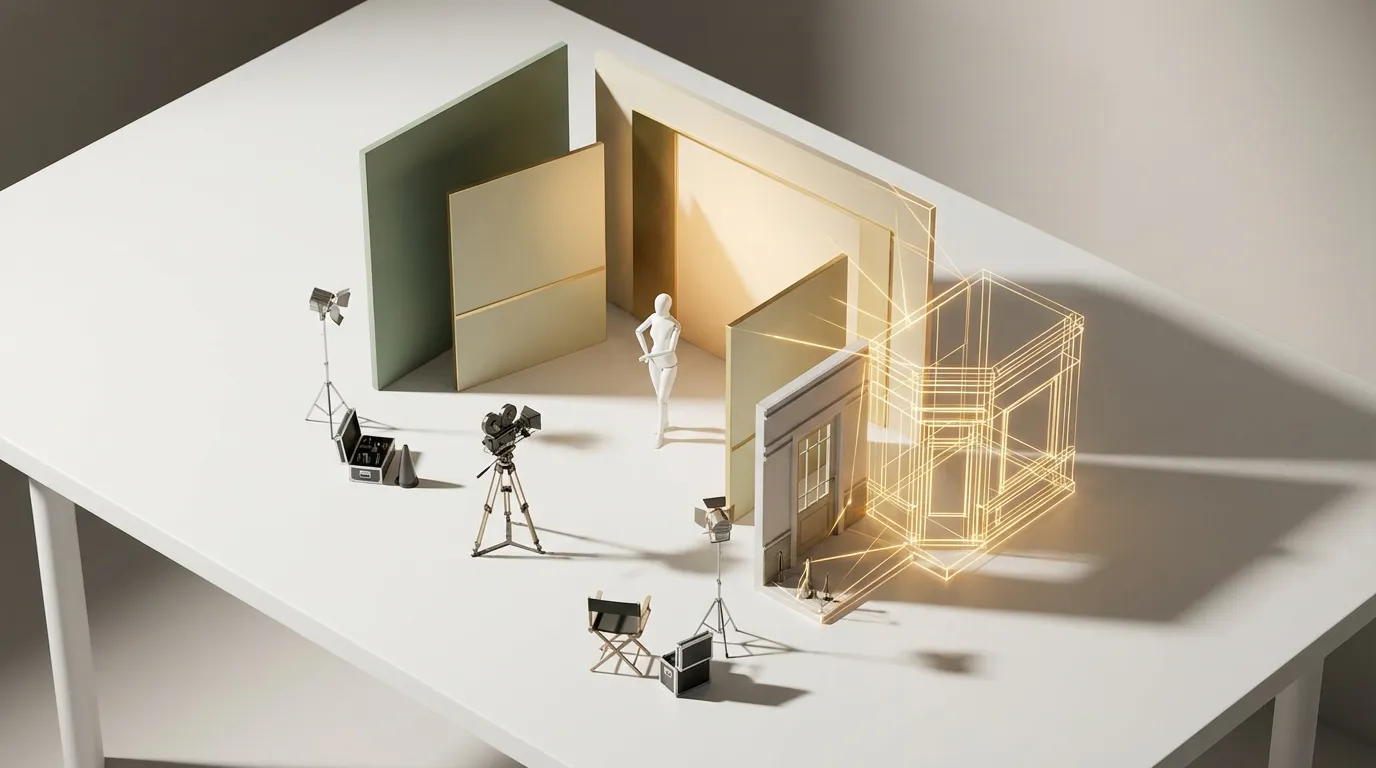
Before a photographer clicks the shutter or a director calls action, someone has to figure out what the set looks like. What furniture goes where. What colors are on the walls. Where the light hits. Whether the hero product is going to read well against that backdrop, or get lost in it.
That planning phase, pre-production, is where shoots get made or broken. And increasingly, the people doing that planning are turning to interactive 3D tools to work it out before a single prop gets rented.
The pre-production problem
Traditional pre-production for a photoshoot or video production relies on mood boards, floor plans, and sometimes rough sketches. A creative director assembles reference images, a set designer interprets them, and everyone hopes that what gets built on shoot day matches what was in everyone's head.
It usually doesn't. Not exactly. And the gap between the plan and the reality costs money.
A large chunk of any commercial production budget goes to set construction, prop rental, and styling. A set that needs to be rebuilt or restyled on the day can blow the budget wide open.
The issue isn't that people are bad at planning. It's that flat reference images can't fully communicate three-dimensional spatial relationships. How does that shelf unit look from the camera angle you'll actually be shooting at? Is there enough room for the boom mic? Does the product pop against that wall color, or disappear into it?
These are questions you can answer in five minutes with a 3D tool. They're questions that cost hours (and thousands of dollars) to answer on a live set.
How a 3D set configurator works
The concept is straightforward. You build the set virtually: the room, the furniture, the props, the backdrop. Then everyone involved in the production can open it in their browser and look at it from any angle. No special software. No training. Just a link.
A set design configurator typically lets you:
- Place and move furniture and props within a defined space, with accurate scale
- Swap materials and colors: try three different wall colors, see how a wooden table compares to marble, test backdrop options
- Set camera positions: place a virtual camera at the planned shooting angle and see exactly what the frame will look like
- Adjust lighting direction: simulate key light placement to check for shadows and product visibility
- Share a link with the director, client, or production team for feedback before anything gets built
It's not a replacement for professional 3D rendering software. It's a communication tool. The value isn't in generating final images. It's in getting everyone on the same page before the expensive part starts.
The most expensive change you can make to a set is the one you make on the day of the shoot. Every decision you move into pre-production saves real money.
Who's using this
E-commerce product photography
Brands shooting seasonal catalogs with dozens of product setups are natural candidates. When you're planning 40 different lifestyle shots for a spring collection, being able to pre-visualize each setup saves days of on-set decision-making. The styling team can plan which props go with which products, test color combinations, and present the whole series to the brand for approval before renting a single item.
Commercial video production
For commercials and branded content, the set is a storytelling tool. A 3D configurator lets the production designer show the director multiple set options without building any of them. "Here's the kitchen set in warm wood tones. Here's the same layout in cool grays. And here's what it looks like from the dolly track position." That conversation happens in a browser instead of on a sound stage.
Interior design shoots
Interior designers and architects who need to photograph completed spaces often want to stage them differently for the camera. A 3D tool lets them plan the styling in advance: which accessories to bring, where to place them, how the space reads from each planned photo angle. The photographer walks into a setup that's already been approved.
Event and experiential design
Pop-up shops, trade show booths, launch events. These are sets with a deadline and a budget. Being able to walk a client through a 3D version of their booth, letting them swap banner designs, fixture layouts, or lighting schemes, eliminates the back-and-forth of flat renderings and revision rounds. The client feels involved, and the designer gets sign-off faster.
Real estate staging
Virtual staging already exists, but most tools produce static images. A configurator-style approach lets an agent or homeowner explore different staging options interactively: swap the sofa style, try different rug colors, see how the room flows with the dining table in this position versus that one. It's a step beyond a rendered photo. It's an explorable space.
Why not just use SketchUp or Unreal?
Fair question. Professional 3D tools are powerful, and many production designers already use them. The difference is audience and accessibility.
SketchUp, Cinema 4D, or Unreal Engine require installation, training, and a decent machine. The production designer can use them, but the creative director, the client, and the photographer usually can't. So the designer creates a rendering, exports it as a JPEG, emails it around, and collects feedback through a chain of "Can you move the lamp to the left?" emails.
A browser-based configurator flips this. Everyone opens the same link. The client can rotate the view, try different options, and see the results instantly. The feedback loop shrinks from days to minutes.
It's not about replacing professional tools. It's about giving the whole team a shared, interactive reference point. The designer still does their detailed work in their preferred software. The configurator is the conversation layer on top of it.
What it takes to get started
Building a set design configurator is similar to building any custom 3D configurator, with a few specific needs:
- A library of 3D assets. Furniture, props, fixtures, and backdrops. If you're a production company that works with recurring set elements, building a reusable asset library pays for itself quickly.
- Room or space templates. Standard studio dimensions, common set layouts, or specific venue floor plans as starting points.
- Material swapping. The ability to change wall colors, fabric textures, and surface finishes is the core configurator functionality applied to a different context.
- Camera preview. Placing a virtual camera at a specific position and focal length, and showing the resulting frame, is the feature that makes this tool genuinely useful for production planning.
If you already work with 3D in your production pipeline, you likely have assets that can be adapted. The configurator becomes the browser-based layer that makes those assets accessible to everyone on the team.
For a more detailed look at what custom 3D projects cost and how long they take, see our pricing and timeline breakdown. The same fundamentals apply whether you're building a product configurator or a set design tool. And if you want to see the underlying technology in action, our demos show what's possible with interactive 3D in the browser. You might also be interested in how 3D configurators are used in education and training.

Got a Shoot in Pre-Production?
We can build you an interactive set planning tool using the same 3D tech behind our product configurators.