3D Configurators for Education and Training, Beyond E-Commerce
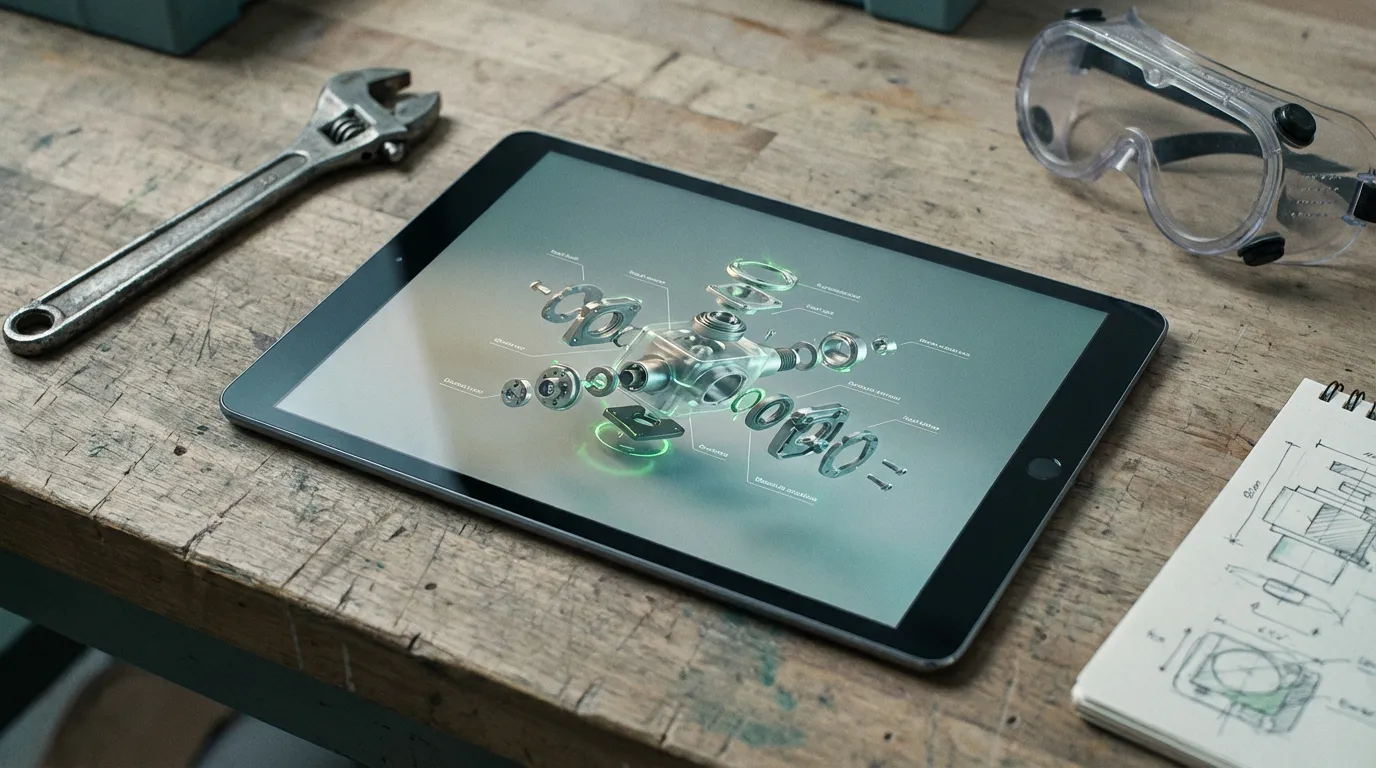
When most people hear "3D configurator," they picture someone picking sofa fabrics or customizing sneakers. That's one use. But the same technology that lets a customer rotate a product and swap materials can also teach a technician how to disassemble an engine, walk a new hire through safety protocols, or show a student what the inside of a machine looks like without ever opening one up.
Interactive 3D for education and training is one of the fastest-growing applications of WebGL, and it doesn't get nearly enough attention.
The problem with traditional training materials
Think about how most technical training works today. You get a PDF manual, maybe a video, maybe a classroom session with a PowerPoint. The information is there, but it's flat. You're looking at labeled diagrams of something three-dimensional, trying to mentally rotate parts that you've never actually touched.
For simple tasks, that's fine. But for anything involving complex assemblies, spatial reasoning, or step-by-step procedures, flat materials fall short. People learn differently when they can interact with the thing they're studying.
Studies consistently show that interactive learning leads to better retention than text-and-image instruction, especially for technical procedures. That's not surprising. When you let someone click through a disassembly sequence, rotate the model to understand how parts fit together, and actually practice the order of operations, the knowledge sticks. It's the difference between reading about how to change a tire and actually doing it.
How interactive 3D training works
The core technology is the same as a product configurator: a 3D model rendered in the browser using WebGL, with an interface layer that controls what happens. The difference is in what the interface does.
Instead of swapping colors and materials, a training configurator might:
- Guide someone through a step-by-step procedure: "First, remove this panel. Then disconnect these two cables. Now lift out the component."
- Let them explore freely: click on any part to get its name, specification, and maintenance schedule
- Test their knowledge: "Which component do you remove first?" with the 3D model as the answer interface
- Simulate failure states: show what happens when something is installed incorrectly, or what a worn part looks like compared to a new one
The model stays in the browser. No app install, no VR headset, no special hardware. A technician in the field can pull it up on a tablet. A student can access it from their laptop at home. That accessibility is a big part of why this approach works.
The best training tool is the one people actually use. Browser-based 3D removes every barrier between the learner and the material.
Where it's already happening
Equipment maintenance and field service
This is the most natural fit. Manufacturers of industrial equipment, HVAC systems, medical devices, or heavy machinery all deal with the same challenge: their products are complex, and the people maintaining them need to understand spatial relationships that a 2D diagram can't fully convey. An interactive service manual lets a technician rotate the model, tap on the part they're working with, and follow along step by step. The live demos on our homepage show the same browser-based approach in action.
Safety training and compliance
Safety procedures are often about spatial awareness. Where are the emergency shutoffs? What does the lockout/tagout sequence look like on this specific machine? Which PPE goes on first? A 3D walkthrough of a facility or piece of equipment makes these procedures concrete instead of abstract. Some manufacturers have started using interactive 3D for OSHA-style compliance training, replacing the annual video-and-quiz cycle with something people actually remember.
Product knowledge for sales teams
Here's one that bridges commerce and education. If you sell complex products, your sales team needs to understand how they work. A 3D training tool lets new hires explore the product inside and out, understand which features matter to which customer segment, and speak confidently about things they've never physically held. It's especially useful for remote teams or when physical samples aren't practical.
Academic and vocational education
Engineering programs, trade schools, and technical colleges are starting to adopt interactive 3D as a teaching tool. When you can hand a student a browser-based model of an engine, a building structure, or an electrical system, they can study at their own pace and from any angle. It doesn't replace hands-on lab time, but it supplements it in a way that textbook diagrams never could.
What it takes to build one
Building an educational 3D configurator follows a similar process to building one for e-commerce, with a few key differences:
- Content structure matters more. You're designing a learning path, not a shopping experience. The interface needs to guide people through information in a logical sequence.
- Annotations and labels are critical. Every clickable part needs clear, accurate technical information. This usually involves close collaboration with subject matter experts.
- The 3D model needs more detail. In e-commerce, you mostly care about the exterior. In training, you often need to show internals, cross-sections, or exploded views.
- Testing is different. Instead of A/B testing conversion rates, you're measuring comprehension and task completion. Did the trainee get the sequence right?
The timeline and cost are comparable to a custom product configurator. If you already have CAD files for your equipment, that cuts the 3D modeling phase down by weeks. Most training configurators take 6 to 12 weeks from kickoff to deployment.
If you're curious what this looks like in practice, see the live demos, including a fire safety training game. They're working examples of interactive 3D built entirely in the browser.
And if you're thinking about costs and timelines, our breakdown of what a custom 3D configurator costs applies to training projects too. New to 3D configurators? Start with What Is a 3D Product Configurator?

Have a Training Challenge That Could Use 3D?
We build interactive training tools with the same technology we use for product configurators. Let's talk about what you need.
Scope Your Sim
Tell us what your team needs to learn. We'll tell you what's realistic.
Send Us a Note